

Answers grounded in the official page: what Lumberland is, where the changelog sits, whether VIP servers exist, the 6-player cap and why there is no official axe table.
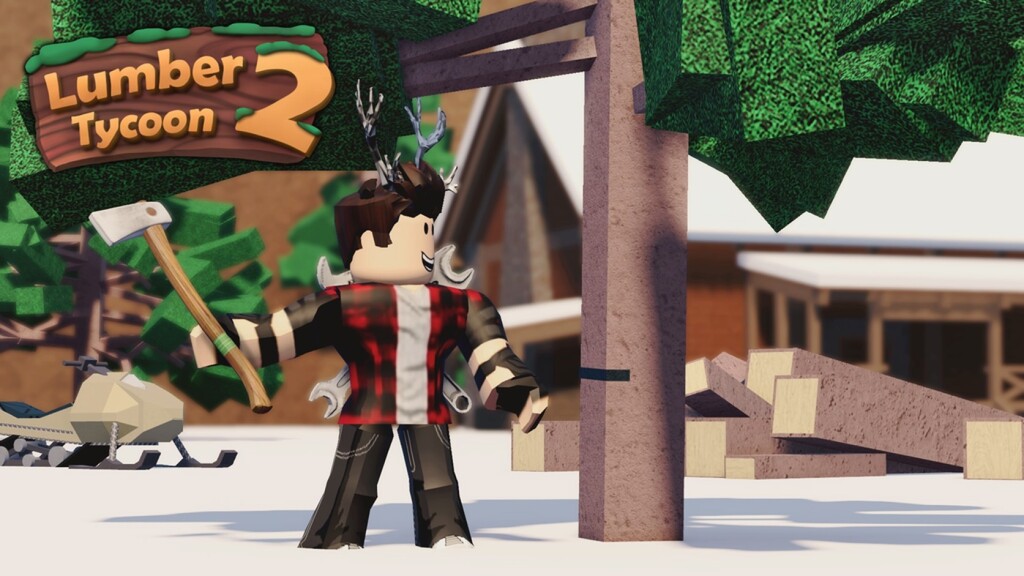
Lumber Tycoon 2 is a long-running tycoon from Defaultio. The official page reports about 3,270 players online, 1.34 billion visits and 4.66 million favourites, with servers capped at 6 players. The developer's own description is short enough to quote in full: "Welcome to Lumberland! Deforest your surroundings and build your dreams! Check the changelog to keep up with the most recent updates. You can find it in the game menu."
It is the setting the developer names for the game's world — the place you deforest and build in. The description frames the loop as two verbs, cutting down trees and building, rather than as a list of systems, which is why the wiki pages on this site are the better place for the mechanical detail.
In the game menu, not on a separate website. The official description explicitly says to check the changelog there to keep up with recent updates. We do not mirror third-party patch notes because we cannot verify them against the game.
The official Roblox API flags createVipServersAllowed as false for this experience. In other words there is no developer-enabled private-server purchase to describe. If an in-game option appears to offer one, treat it as something to verify inside the client rather than as a documented feature.
6. That is the official maximum, and it is small compared with most tycoon lobbies — worth knowing before you plan a group session.
No. The developer does not publish a roster or a value table on the game page, so we do not print one. Any static axe ranking you find elsewhere is a player estimate. What the official page does give you is the changelog in the menu, which is the only authoritative source for current numbers.
Defaultio, per the official creator field. The experience dates back to 2016 and remains one of the most-visited tycoons on the platform.
The Lumber Tycoon 2 wiki on Lumberland, the wood loop and the developer's changelog covers the systems, and the Lumber Tycoon 2 beginner guide to your first hour in Lumberland is the starting point. For a different take on a slow-building loop, the Grow a Garden wiki on seeds, restocks and the offline garden is a useful comparison, and the Roblox simulator games category lists the wider genre.
Back to the Lumber Tycoon 2 game page with its official visit count.