

Why a private server helps in 99 Nights in the Forest and how to create or join one with friends.
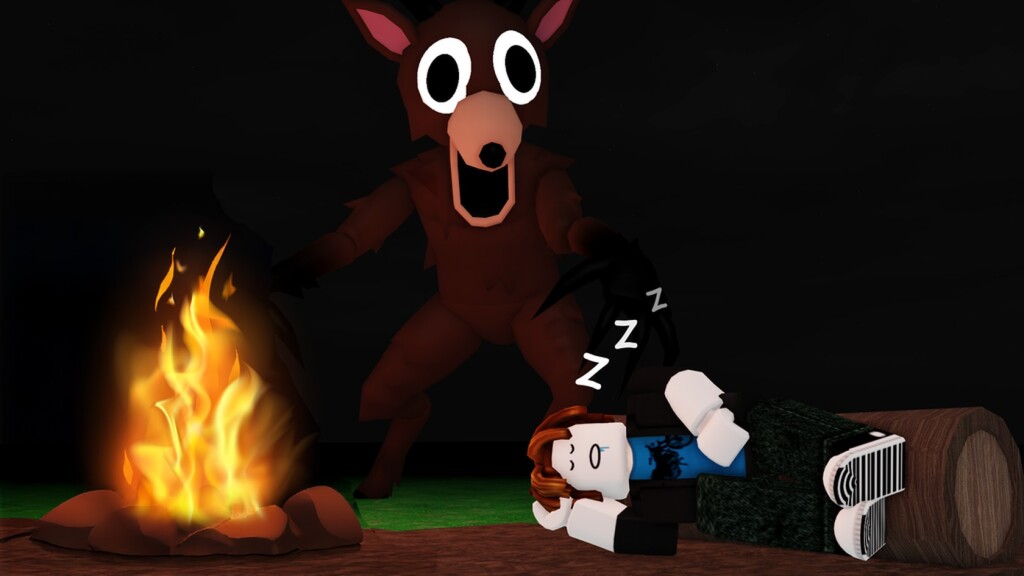
99 Nights in the Forest is a co-op survival experience where you and your squad fend off the night together. Public lobbies can fill up fast and throw you in with random players. A private server lets you host a closed world so only people you invite can join — perfect for coordinating builds and avoiding griefers.
Open the game’s page on Roblox, choose Servers, then Create Private Server. You can name it, set who is allowed in, and share the invite link with friends. Some servers are free to join if a friend already owns one; others may require a small Robux upkeep set by the owner.
New to the game? Our 99 Nights in the Forest wiki covers the basics, and the 99 Nights in the Forest page links to the official experience.
If you enjoy the co-op loop, Steal a Brainrot offers another popular simulator-style grind. For more experiences like this, see Roblox simulator games.
Set a clear rules message, keep the invite list small, and schedule play sessions so your base stays defended through the toughest nights.