


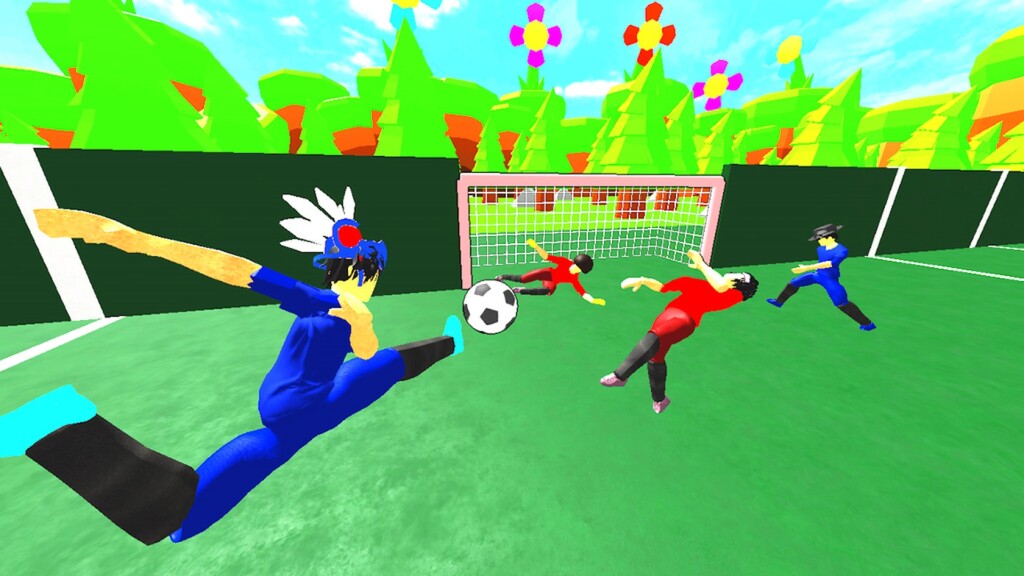
Football games on Roblox split into two camps: arcade games where the ball sticks to your foot, and simulation-leaning games where every touch is a decision. Realistic Street Soccer names its ambition in the title, and the developer's own description backs that up by leading with a PC control scheme rather than a list of flashy abilities. This Realistic Street Soccer guide starts from those published controls and works outward.
The developer lists the PC controls in the game description. The binding we can read there is Hold Left Click - Shoot & Pass, with E bound to a second action. The description is longer than what our page can show, so the full binding list is in the description itself and in the in-game menu - we are not going to guess at the rest.
That single binding is the most important fact in the game. Shooting and passing share one input, and the difference is how long you hold it and where your player is facing. A tap plays the ball on; a hold strikes it. On a small street pitch, the entire game is played inside that distinction.
The setting matters more than it looks. A street pitch is smaller and the walls are playable, which changes three things: the goal is always in range from further out than a stadium game would allow, rebounds off the boundary stay live, and the defensive job is to close the angle rather than to hold a line. Players coming from larger-pitch football games consistently over-commit to tackling because they are used to having space behind them.
Pick one of the three items above per session and only work on that. The fastest way to stall in a simulation-leaning football game is to play match after match without isolating a single input; the game gives you enough touches per match to practise deliberately, but only if you decide what you are practising before kickoff.